
You grab your sleek car vacuum, pull out your standard phone charger or the laptop brick plugged into your dashboard, and connect the USB-C cable. The charging light stays dead. You try a different cable, a different port, or your car’s built-in USB slot. Still nothing.
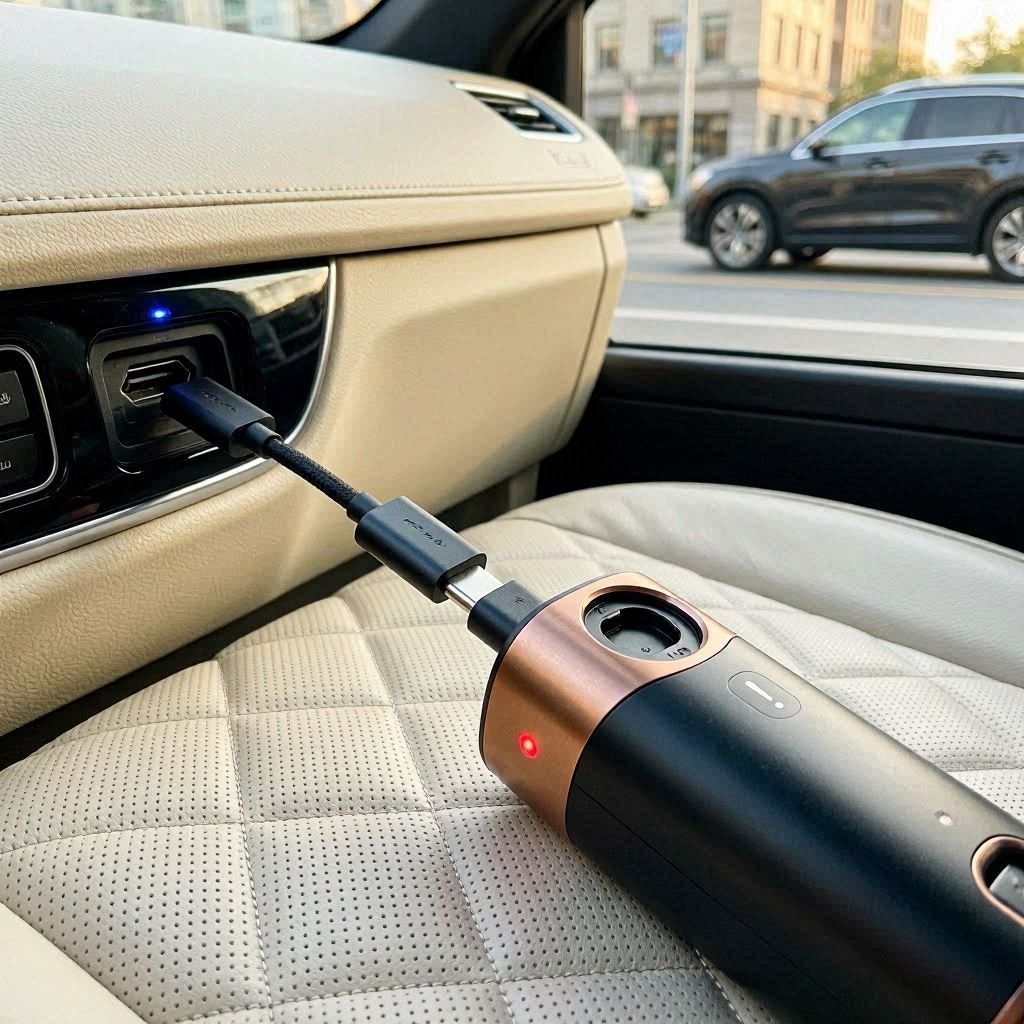
This is the ultimate paradox of modern detailing tech: a device engineered for ultimate portability that refuses to accept the universal charging standard of the decade.
When a portable cleaner exhibits USB-C charging failure, users automatically blame a broken port or a dead battery. In reality, the issue is almost always a deep architectural mismatch between the vacuum’s internal power delivery handshake and modern smart chargers.
Let’s dissect the hidden engineering flaws, the real-world operational challenges of charging inside vehicles, and provide direct answers to common user frustrations to keep the best portable car vacuum powered up and functional.
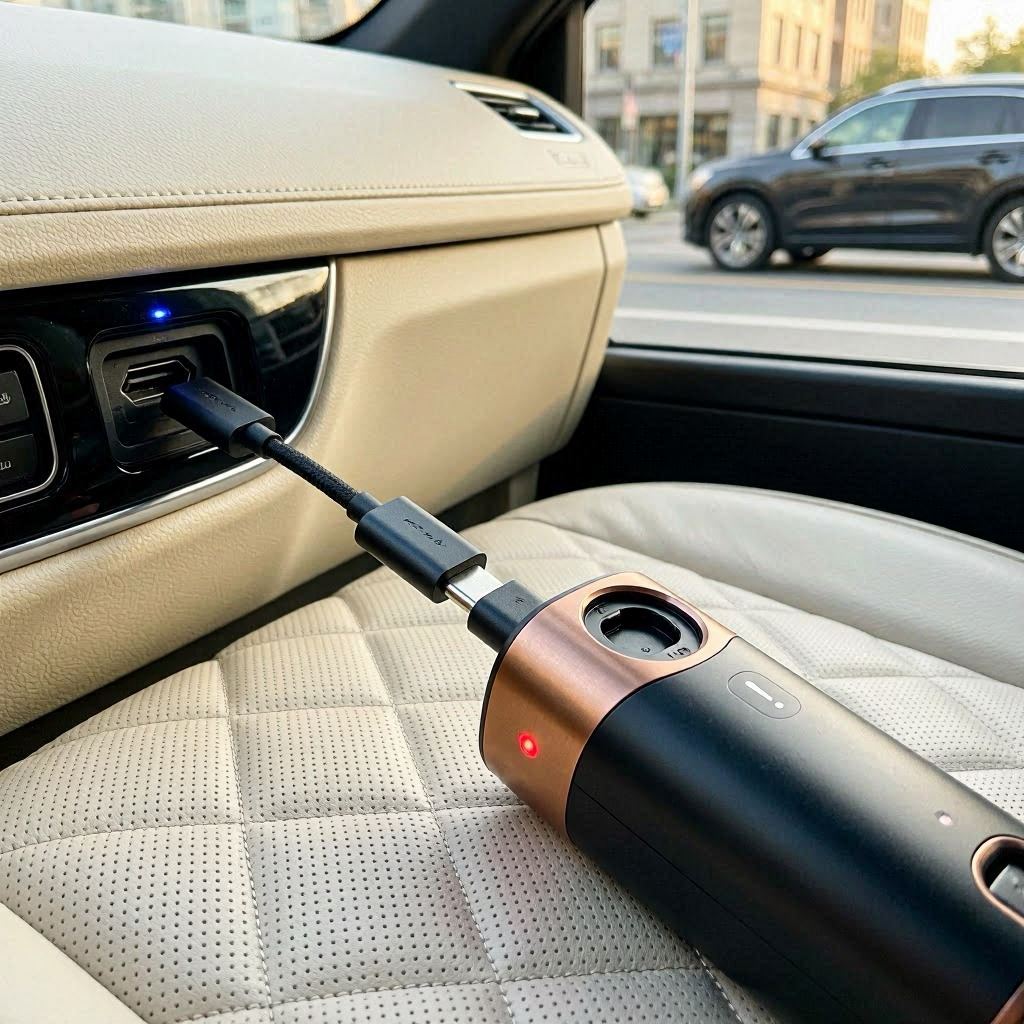
1. The Architectural Flaw: The “Dumb” Port vs. Smart Chargers
To understand why your vacuum rejects certain USB-C cables, you have to peel back the plastic shell and look at the wiring logic on the circuit board.
Smart PD Charger (Laptop Brick) ----> [Checks for CC Resistors] ----> No Resistors Found ----> [Zero Power Delivered]
Legacy USB-A to USB-C Cable      ----> [Constant 5V Power Supply] ----> Direct Connection  ----> [Charges Successfully]
Modern fast-charging bricks (like your MacBook or Samsung fast charger) use USB Power Delivery (PD) protocols. Before sending electricity through the wire, the charger has a “smart handshake” with the device to check its voltage requirements.
- The Missing Link: To save manufacturing pennies, many car vacuum brands skip installing two tiny, critical hardware components on the type-C port called Configuration Channel (CC) pull-down resistors.
- The Result: When you plug a high-end, smart USB-C to USB-C cable into the vacuum, the smart charger cannot detect any voltage configuration. It assumes nothing is plugged in and sends zero power to protect against a short circuit. The vacuum stays completely dead on a premium charger, yet ironically charges perfectly fine on an old, cheap USB-A to USB-C cord.
2. Unseen Issues & In-Car Charging Challenges
Charging any high-drain lithium device inside an active automotive environment introduces a chaotic set of variables that standard household electronics never deal with:
The Car Outlet Voltage “Sag and Spike”
Automotive electrical systems are notorious for dirty power. When you turn your car key to start the engine, the starter motor draws massive current, causing a split-second voltage drop, immediately followed by an alternator voltage spike. If your vacuum is plugged into a generic 12V USB-C cigarette lighter adapter during ignition, these rapid fluctuations can easily scorch the basic, unprotected power management chips inside the handheld housing.
The Thermal Cutoff Loop
Vehicle cabins parked under direct sunlight act like greenhouses, with temperatures climbing past 50°C (122°F). Lithium-ion batteries feature built-in thermal safety thresholds. If you plug a USB-C cable into the vacuum while it sits inside a hot glove box, the internal sensor blocks the charging cycle to prevent thermal runaway. Users mistake this safety lockdown for a broken charge port.
Dust and Lint Physical Impaction
Think about where a car vacuum lives—door pockets, floorboard bins, and under seats. Because USB-C ports are open and hollow, they act as magnets for fine fabric lint, dried mud crumbs, and carpet fibers. Over weeks of storage, plugging the cable repeatedly packs this debris deep into the base of the port, preventing the metallic pins from making solid physical contact.
3. Technical Breakdown: Decoding the Charging Failure
If your device refuses to juice up, map the symptoms using this tactical diagnostic matrix:
| What You Observe | The Hidden Root Cause | The Direct Tactical Fix |
|---|---|---|
| Dead light with USB-C to C cable; works with USB-A to C cable. | The vacuum lacks internal CC handshake resistors required by smart PD chargers. | Ditch the laptop brick. Use an older USB-A wall block or a dedicated legacy car charger socket. |
| The charging indicator flashes rapidly and then turns off immediately. | The power source (like a weak laptop USB slot or old car port) isn’t outputting enough Amperage (needs 2A+). | Move the cable to a dedicated high-output 5V/2.1A adapter or a heavy-duty power bank. |
| The cable wiggle test: light blinks only when you hold the cord at a sharp angle. | The internal USB-C solder joints have fractured away from the main PCB due to rough pulling. | The port is mechanically dead. It requires internal board resoldering or unit replacement under warranty. |
4. Systemic Objections & Strategic Clarifications
Objection 1: “The product listing clearly advertised ‘Universal USB-C Fast Charging.’ If it doesn’t work with my fast phone charger, the company lied, right?”
Answer: Not exactly, though it is highly deceptive marketing. It has a USB-C shape, but it does not utilize USB-C technology. Manufacturers use the Type-C port shape simply because it is reversible and convenient for the user, but they retain old USB 2.0 circuitry behind it. It is “universal” only in terms of physical plug fitment, not electrical compatibility.
Objection 2: “Can I bypass this issue by simply using a more powerful 100-Watt USB-C charger to force power into the vacuum?”
Answer: No. Forcing a higher-wattage smart charger will not change anything. If the vacuum lacks the proper internal communication resistors, a 100W charger will still see a completely open loop and refuse to output even a fraction of a volt. Power is drawn by the device, not pushed by the charger.
Objection 3: “My vacuum gets incredibly hot right around the charging port while plugged into the car dashboard. Is this normal behavior?”
Answer: No, excessive heat at the input port indicates a severe issue. This is usually caused by micro-corrosion inside the port from cabin humidity, or bent internal pins creating localized high resistance. Disconnect the wire immediately. Continuing to charge a high-resistance port can lead to melting plastic or localized electrical fires.
5. Protocols to Keep Your Battery Safely Powered
To guarantee you never get caught with a dead battery when trying to maintain your car’s cleanliness, establish these simple power habits:
- Keep a Legacy Cable in the Car: Always keep a dedicated USB-A to USB-C cable specifically in your car console for the vacuum. This older standard bypasses all smart handshake checks and delivers a steady, uninterrupted 5V current.
- Inspect and Clean the Port Quarterly: Treat the charging port like a mechanical component. Periodically shine a flashlight into the USB-C slot. If you see packed debris, use a wooden toothpick or a clean, dry interdental brush to gently sweep out the lint. Never use a metal pin or needle, as it will short-circuit and bend the sensitive internal contacts.
- Charge Post-Detailing, Indoors: Instead of keeping the vacuum permanently subjected to the brutal environment of your vehicle trunk, bring it inside your air-conditioned home after a cleaning session. Let the motor cool for 20 minutes, then charge it on a stable household outlet away from vehicular power fluctuations.
The convenience of a Type-C port on your detailing gear is undeniable, but only if you understand its hidden limitations. If your machine is acting up, drop the ultra-modern smart bricks, clean out the hidden physical debris from the port socket, and go back to basics with a standard legacy USB-A adapter. Giving the motor a clean, steady, uncomplicated path to power ensures your gear is always primed to tackle dirt, sand, and debris at a moment’s notice.